Raspberry Pi Kubernetes Cluster: Equipment (Issue #1)
The first in a series on building a Kubernetes home lab with Raspberry Pi: the prerequisites and the equipment to get started.
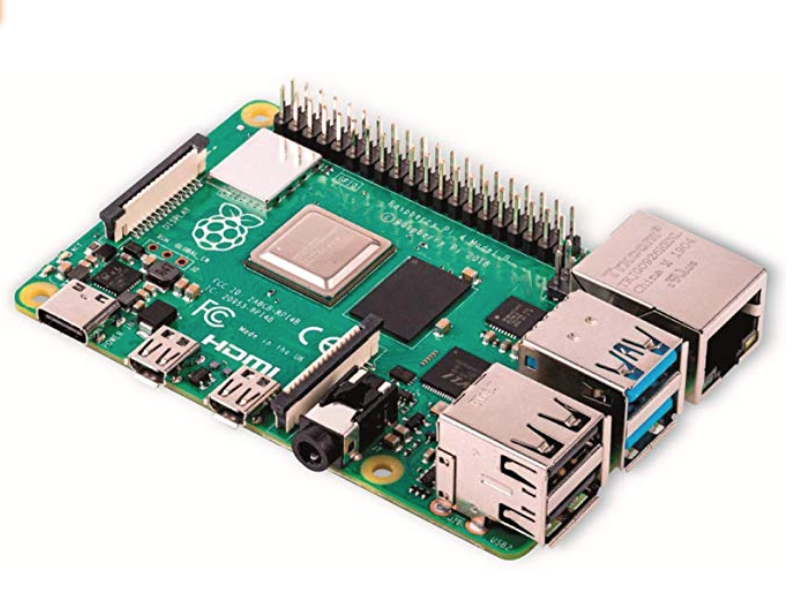
This is the first in a series on building a Kubernetes home lab from Raspberry Pi computers. Treat it as an informative guide rather than a tutorial. If you want the deep, step-by-step path, "Kubernetes the Hard Way" is the place to go.
Requirements
The usual Kubernetes prerequisites apply to each machine:
- A compatible Linux host
- At least 2GB of RAM per machine
- 2 or more CPUs
- Full network connectivity between all nodes
- A unique hostname, MAC address and product UUID per node
- The required ports open between nodes
- Swap disabled, so the kubelet behaves correctly
Equipment
What I used to build the cluster:
- Compute: 4 x Raspberry Pi 4 (one master node and three worker nodes)
- Storage: 4 x 32GB microSD cards
- Networking: an Ethernet switch, a router with DHCP, and a cable per node
- Power: USB-C / micro USB cables and a multi-amp USB charger
- Cooling: a case with fans and heatsinks
- Optional: an external hard drive for extra storage
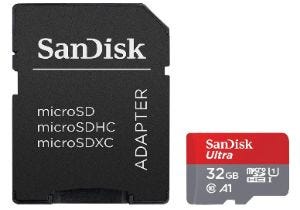
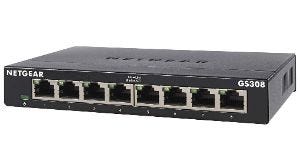
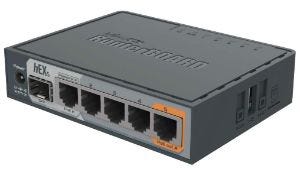
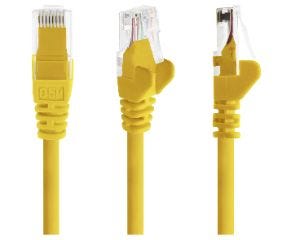
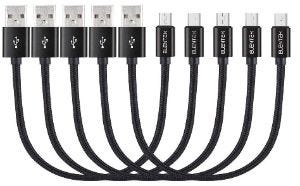
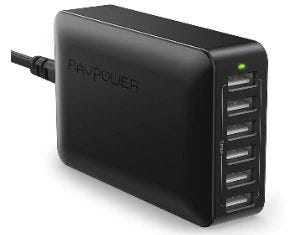
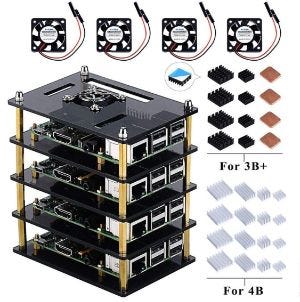
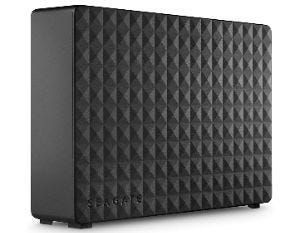
A good case with proper cooling makes a real difference once the nodes are under load, so it is worth following an assembly guide for the heatsink and fan setup.
What comes next
Later issues in the series cover configuring the nodes, SSH access, initialising the cluster, storage, and load balancing.
First published in my LinkedIn newsletter, Built from Scratch.
Questions about the build, or building something similar? Say hello. I read every message.