Agentic Harness: Why an Agent Needs a Harness
A model that can write anything still cannot open a file, run a command, or know when to stop pretending it did. The first post in a series on what actually turns a language model into something you can safely put to work.
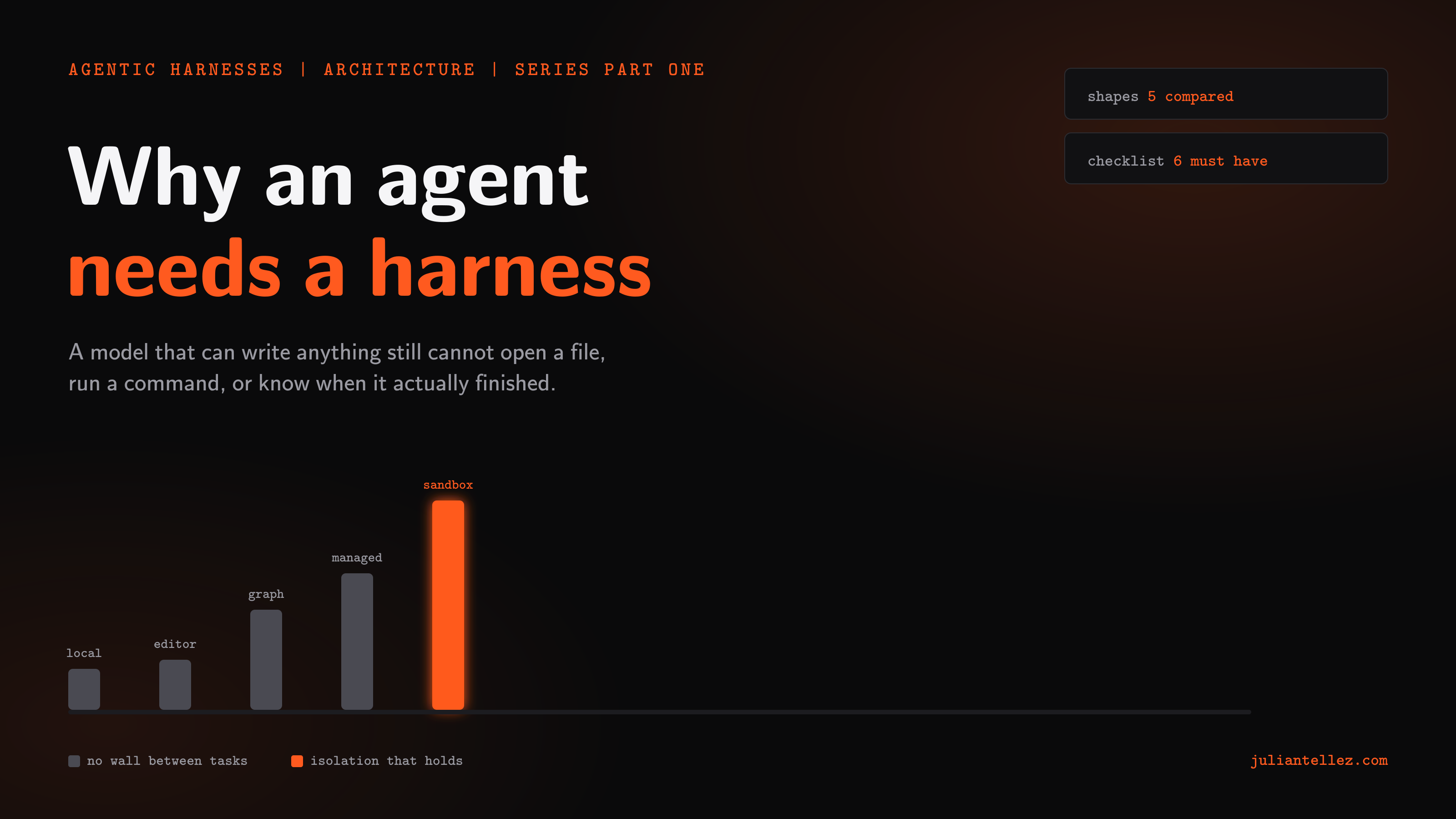
A model that can write anything still cannot open a file, run a command, or know when to stop pretending it did. This is the first post in a series on what actually turns a language model into something you can safely put to work.
I once asked a model to fix a failing test, expecting code back. What came back instead was a paragraph explaining, correctly, what was wrong. Nothing else happened. The bug was still there. The model thought it had done its job. At this point in time nobody had built the part that takes a correct paragraph and turns it into a saved file, a passing test, a done thing, a valuable output.
That gap has a name now. People call it an agentic harness: whatever sits between a model and the actual world, turning what the model says into things that happen, and reporting back what happened so the model can decide what to say next.
A language model on its own is a very good guesser of the next right word. It has no hands. It cannot open a file unless something opens the file for it, run a command unless something runs the command, or remember what it did five minutes ago unless something wrote that down and hands it back. Everything that makes an agent look like it is doing work, rather than describing work, is the harness. Not the model.
This has only become a real design problem recently. A model that just answers questions does not need much of a harness: a text box and a network connection will do. A model asked to write code, run it, read the failure, and try again needs somewhere to write the code, something to run it, a way to read the failure back, and a decision about how many tries it gets before a person is called in. Multiply that by more than one task running at once, or a task running while nobody is watching, and the harness stops being plumbing. It becomes the product.
There is not one shape this takes. So far there are at least five patterns at this point in time, and each is a different bet about who is watching and how much can go wrong before someone notices.
The simplest is the one most people already have: a terminal, an editor open beside it, an agent that reads and writes files and runs commands with your own permissions. It is the fastest thing to build and the fastest thing to use, because nothing stands between the model deciding to do something and the something happening. That speed is also the whole risk. The agent can do anything you can do, including the things you did not mean to ask for, and there is no wall between one task and the next. A mistake in one session has a blast radius in your actual home directory.
Local process
Fast because nothing stands in the way. Risky for the same reason.
Put a wall up and you get the next shape: each task, or each session, gets its own container or virtual machine, thrown away when the task ends. A mistake stays inside the box it happened in. You can run many of these at once, including ones nobody is watching in real time, because the damage any single one can do is small on purpose. The cost is that somebody has to build and run the wall. A fresh environment takes time the local version never spends. Credentials have to be handed into a place you cannot see directly. And the box needs its own way of telling you what happened inside it, because you are no longer sitting next to it while it works.
Sandboxed containers
A mistake stays inside the box it happened in.
A third shape hands the wall to somebody else entirely: a managed platform that runs the sandbox, the model calls, and the wiring between them, and gives you an interface to start a task and collect a result. You stop operating infrastructure, which is real time back. You also stop being able to see very much of what happened in between, which matters the first time a result comes back wrong and you want to know why.
Managed platform
You get a result back. You do not get to see how it got there.
A fourth shape is declarative: a graph of steps, some of them a model call and some of them a tool call, wired together ahead of time so the same automation runs the same way every time it fires. This is the shape that scales best for something you want running on a schedule or in response to an event, because nobody has to sit and prompt it each time. It is also the shape most likely to mark a step successful because nothing threw an error, not because anything was actually achieved, unless somebody deliberately built a check that looks past the model's own account of how it went.
Workflow graph
Nothing threw an error is not the same as something got done.
A fifth shape lives inside the tool you already write code in, a panel next to the file you are editing, one person and one task at a time. Nothing beats it for the tight loop of asking, watching, correcting. It was never built for the version of this where the task runs after you have gone home.
Editor embedded
Built for someone watching. Not built for after you have gone home.
None of the five are wrong. Each is a reasonable answer to a different question about who is around when something breaks. What I want out of any of them, after watching each fail in its own particular way, is a shorter list than you would think.
Real isolation, first. A mistake in one task should not be able to reach another task, or reach you. If a harness cannot say precisely what a given task is unable to touch, it does not have isolation. It has hope.
A visible difference between done and gave up, second, and this is the one I would not trade for any of the others.
The most dangerous failure is not a crash. It is a run that finishes clean and did nothing.
A model would rather answer than admit it cannot see what it needs to see, and a harness that lets a plausible non answer read as success is worse than one that has no safety features at all, because it hides exactly the runs that needed a person to look.
Permissions built for nobody watching, third. Anything that only works when a person is at the keyboard to click approve will eventually run unattended and fail there, silently, by design. A harness meant for background work needs a way to say yes in advance, scoped tightly, rather than a wall only a human hand can get past.
Credentials that reach the sandbox, not just the settings screen, fourth. Something that shows as set in a list but never actually arrives where the work happens is worse than an honest error, because it looks like it should have worked.
A transcript that survives the run, fifth. Whatever the model actually said and did needs to stay readable after the task finishes, not filed somewhere only a direct query against a database can reach. The summary is not the evidence. The transcript is.
And room to run more than one thing at once without losing any of the above, last. The entire point of handing work to an agent is not doing it yourself while it runs. A harness that only works one task at a time, watched, has not saved anyone anything.
This is the first post in what I want to make a short series on building an agentic harness. Let me know if you have any more features that you think would be beneficial in a harness. Happy coding.
Questions about the build, or building something similar? Say hello. I read every message.